Your AI agent, on your hardware, in your pocket and on your desk.
Petasos is a native client for Hermes Agent — an open-source AI agent you run yourself. Petasos doesn't host anything: it connects to your gateway, over your network, with credentials that never leave your device's Keychain.

1. Try it before you connect anything
Open the app and tap Try Demo Mode. The whole interface loads with example data — no server, no account, no setup. Look around first; connect later.
2. Pair with your gateway
Three ways in, fastest first:
| How | When to use it | |
|---|---|---|
| Scan a QR code | Run hermes-pair-qr on your gateway host, then tap Scan pairing QR code |
Fastest — nothing to type |
| Enter manually | Tap Or enter manually, type your gateway URL, then your username and password | No camera, or a remote gateway |
| From your Mac | Settings → Pair iPhone or iPad… shows a QR for your phone to scan | Already set up on the Mac |
Gateway URL looks like
https://your-host:8443— whatever address your Hermes gateway listens on. If you reach it over Tailscale, use the tailnet name (https://yourbox.tailnet.ts.net:8443), which works from anywhere.
3. The four things you'll use
Watch your agent work
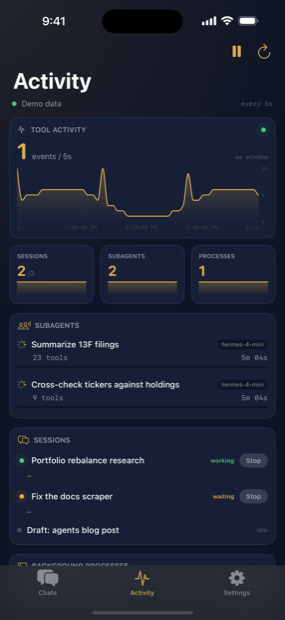
Live tool-call rate, busy sessions, the subagent tree, running processes, and an event feed. Tap any running item to stop it.
Talk to it
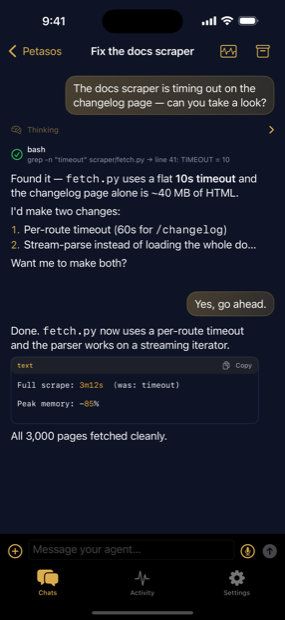
Full streaming replies with markdown, tables and syntax-highlighted code you can copy with one tap. Dictate with the mic, or attach a file with +.
Keep it organised
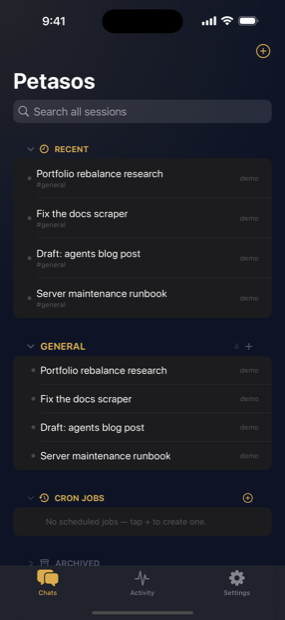
Recent threads, categories and channels, scheduled jobs, and archived sessions — all synced across every device signed in to the same gateway.
Make it yours
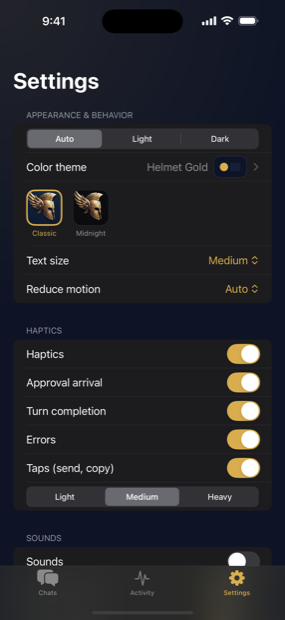
Six colour themes, light and dark, text size, notification and sound controls, and as many paired gateways as you like.
On the Mac
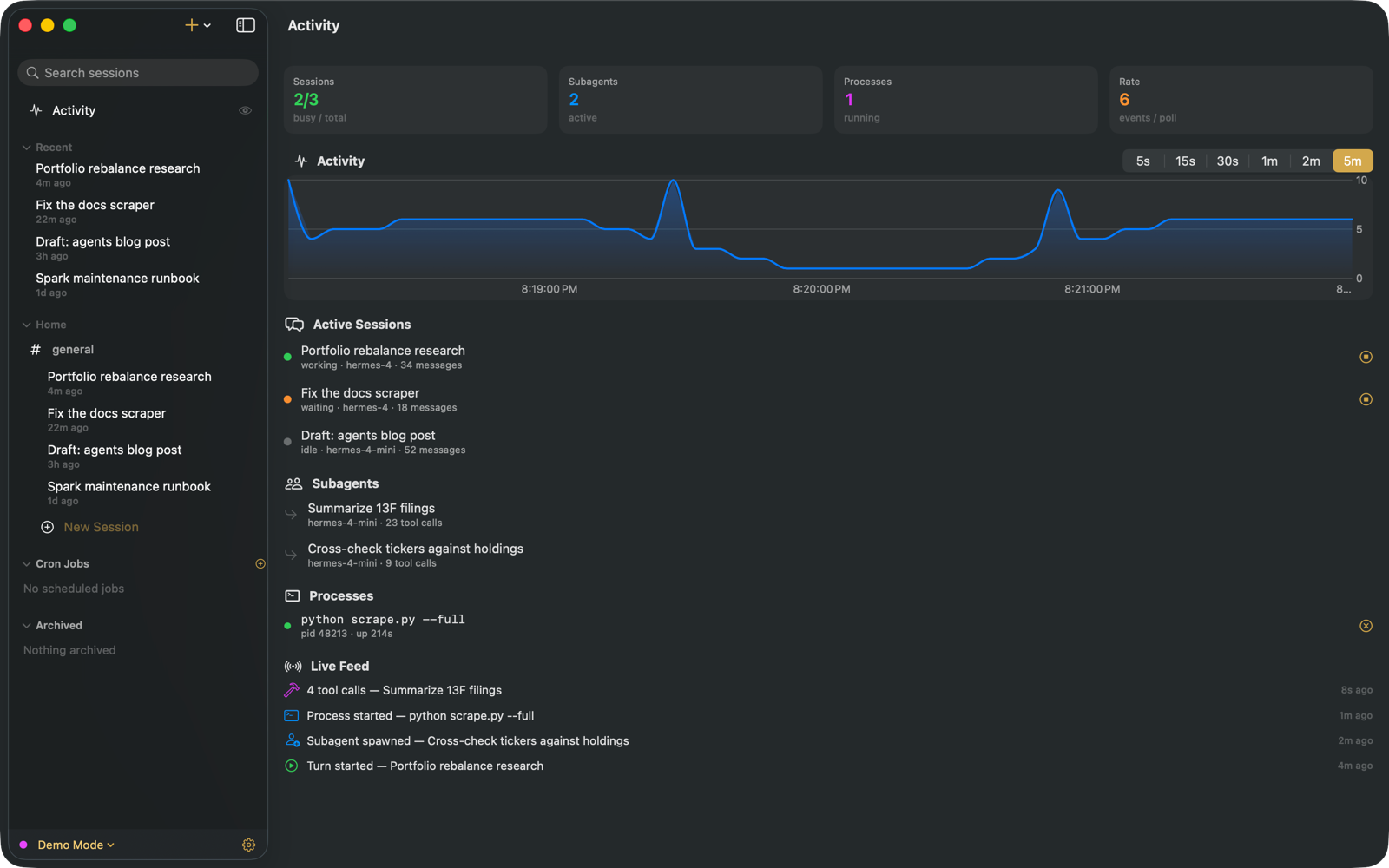
The Mac app is a real desktop app, not a phone app stretched out: multiple windows, a resizable sidebar, right-click menus, keyboard shortcuts, and a menu bar cockpit that answers approval requests without opening the app.
| Shortcut | Does |
|---|---|
⌘N |
New session |
⌘F |
Search sessions |
⌘R |
Reconnect |
⌘. |
Interrupt the current run |
⌘, |
Settings |
If something won't connect
The status dot next to your gateway tells you the state. When it's red:
- Can you reach the gateway from a browser? Open
https://your-host:8443/api/status. No response means the problem is the network or the server, not Petasos. - On a tailnet? A
.ts.netaddress only resolves while your VPN is connected. This is the single most common cause. - Signed-in but stuck? Settings → Export diagnostics log shows the real error.
Good to know
- Nothing runs on our servers. Petasos has no backend. Your credentials live in the device Keychain and are sent only to the gateway you configure.
- One purchase, both platforms. iPhone, iPad and Mac are a Universal Purchase.
- Error reporting is off unless you turn it on, and is redacted when you do.
Full documentation: user-guide.md Support: https://petasos.tabotec.com/support.html